Data Deletion and Correction
Effective date: 23 July 2026
Trust Centerఈ విధానంలోని ఆంగ్ల సంచికే అధికారికంగా వర్తిస్తుంది. ఈ పేజీ సులభంగా కనుగొనడానికి అందించబడింది.
Request account deletion
You can delete your account in the Zesty app. If you no longer have access to the app, submit a privacy request here instead.
Effective date: 23 July 2026
Zesty POS & Restaurant OS lets users delete their Zesty account from the mobile application. Users who cannot access the app can request deletion from this page without reinstalling it.
Delete your account in the Zesty app
- Sign in to Zesty.
- Open Account from the profile control or the More screen.
- Select Danger zone.
- Tap Delete account.
- Review the permanent-deletion warning and confirm Delete.
- When deletion succeeds, Zesty ends the session and returns you to sign-in.
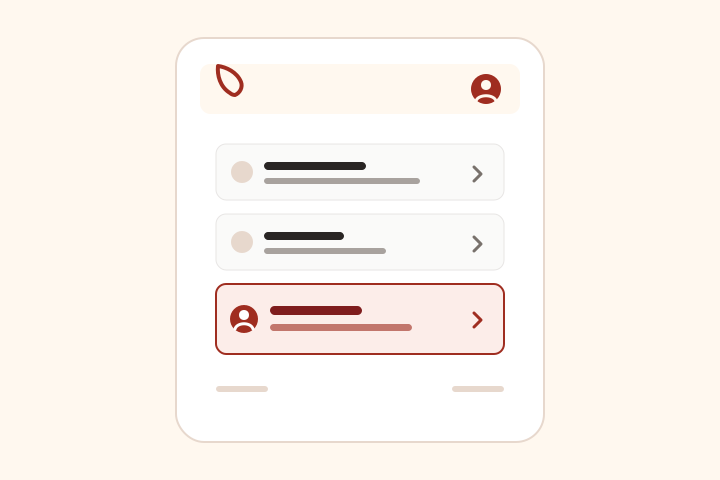
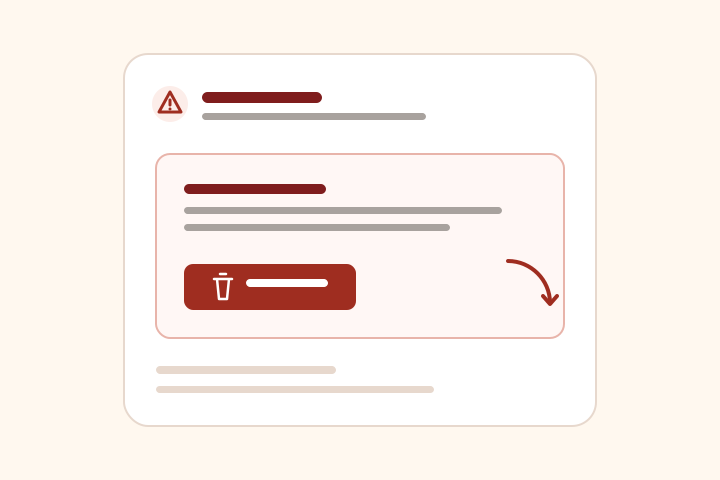
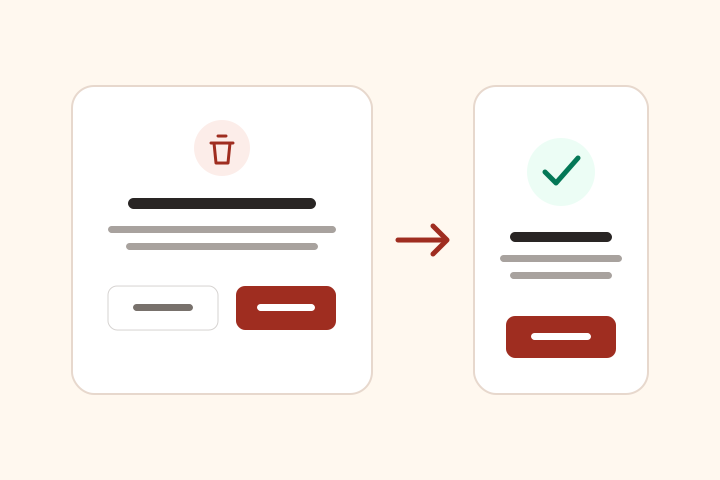
The web application provides the same control under Account settings → Danger Zone → Delete account.
Request deletion without the app
Use the Request deletion action near the top of this page or email support@zesty.id. Include the email address or phone number associated with your Zesty account and the restaurant or organization name, if relevant.
Zesty may ask you to verify account ownership. Do not send a password, OTP, full card number, private key, or unrelated identity document.
What account deletion covers
Deleting a Zesty user account removes the user’s login account and ends its active sessions. Authentication credentials, passkeys, security settings, personal profile data, and organization memberships associated only with that account are removed according to the service’s deletion process.
Restaurant workspaces are separate from individual user accounts. Deleting a user account does not automatically delete a restaurant organization or the operational records that the restaurant controls. Organization owners may request a workspace export or deletion review through Contact Zesty.
Restaurant customer and staff data
Restaurant customers and staff should usually contact the restaurant first because the restaurant controls customer, staff, order, loyalty, billing, and communication data in its Zesty workspace. Where a restaurant has enabled Zesty privacy workflows, a request may also be submitted through the restaurant privacy page or support channel.
Retained records
Some billing, tax, accounting, payment, refund, fraud-prevention, security, backup, audit, support, and dispute records may be retained where required or where deletion would compromise legitimate operational records. When full deletion is not appropriate, Zesty may remove or anonymize personal identifiers while retaining records needed by the restaurant or Zesty.
Deleted information may remain in protected backups until the applicable backup lifecycle expires. See the Retention Policy, Privacy Policy, and Privacy Request Process for more detail.
Request handling
Zesty aims to acknowledge requests promptly and complete valid requests within a reasonable period based on identity verification, scope, provider dependencies, restaurant-controller responsibilities, and applicable legal obligations. Zesty will explain when information must be retained or when a request needs to be handled by the relevant restaurant.
Contact
For deletion, correction, export, consent withdrawal, or grievance requests, use Contact Zesty or email support@zesty.id.