01
Start with a QR menu
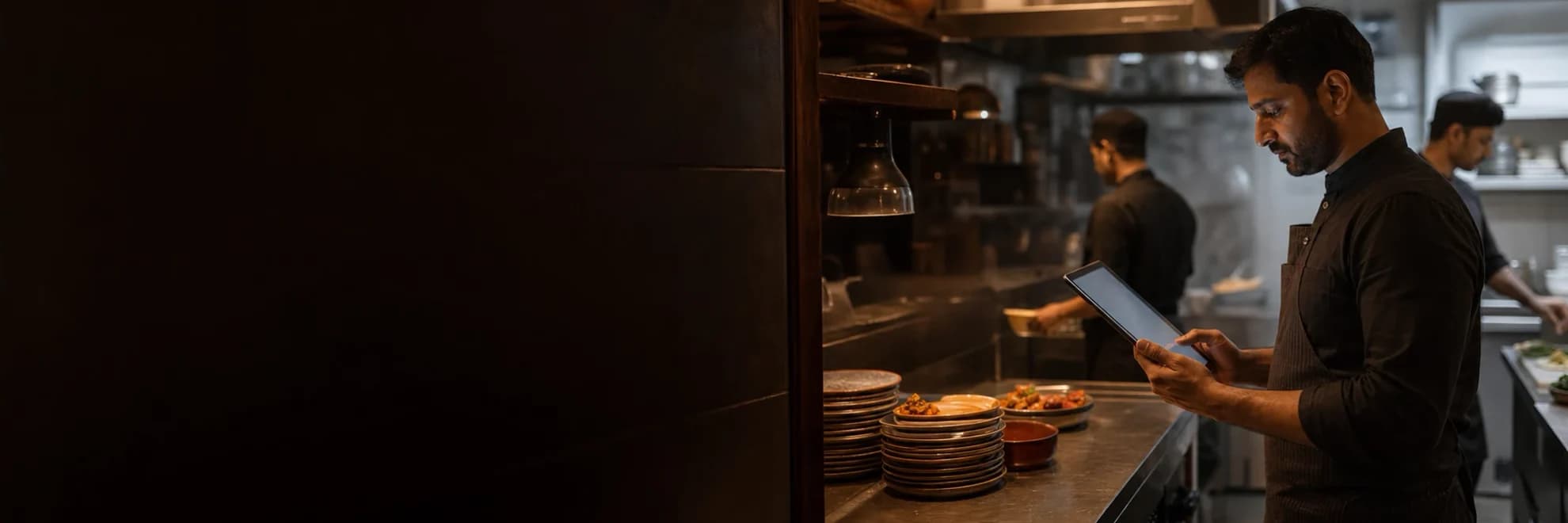
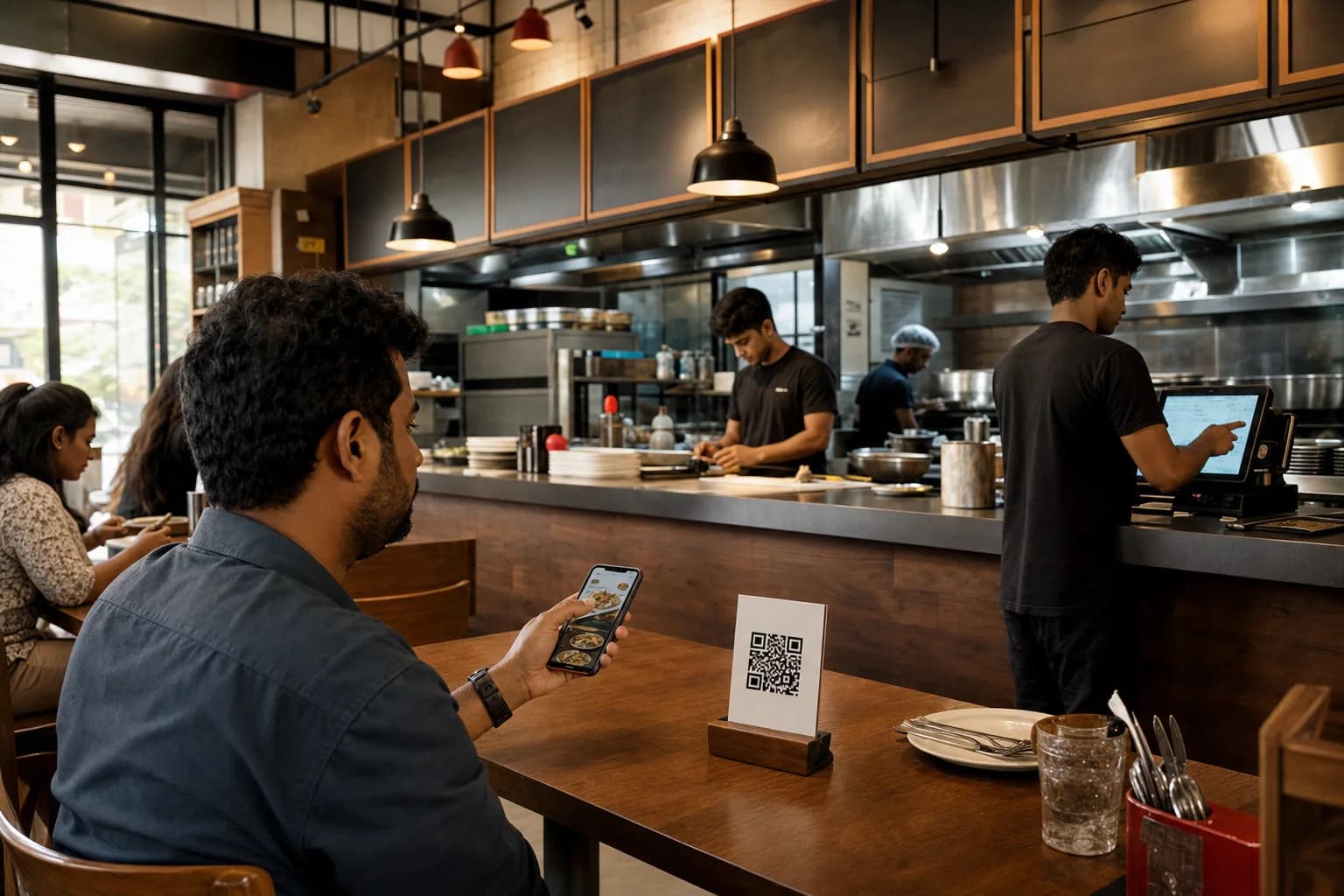
Publish a no-app menu, accept table orders, and keep sold-out items current.
See the QR menuRestaurant POS and operations software for India
For single-outlet cafés, QSRs, and restaurants, Zesty connects QR or counter ordering through kitchen, billing, inventory, and day close, and stays branch-ready when you add another location.
14-day assisted pilot included
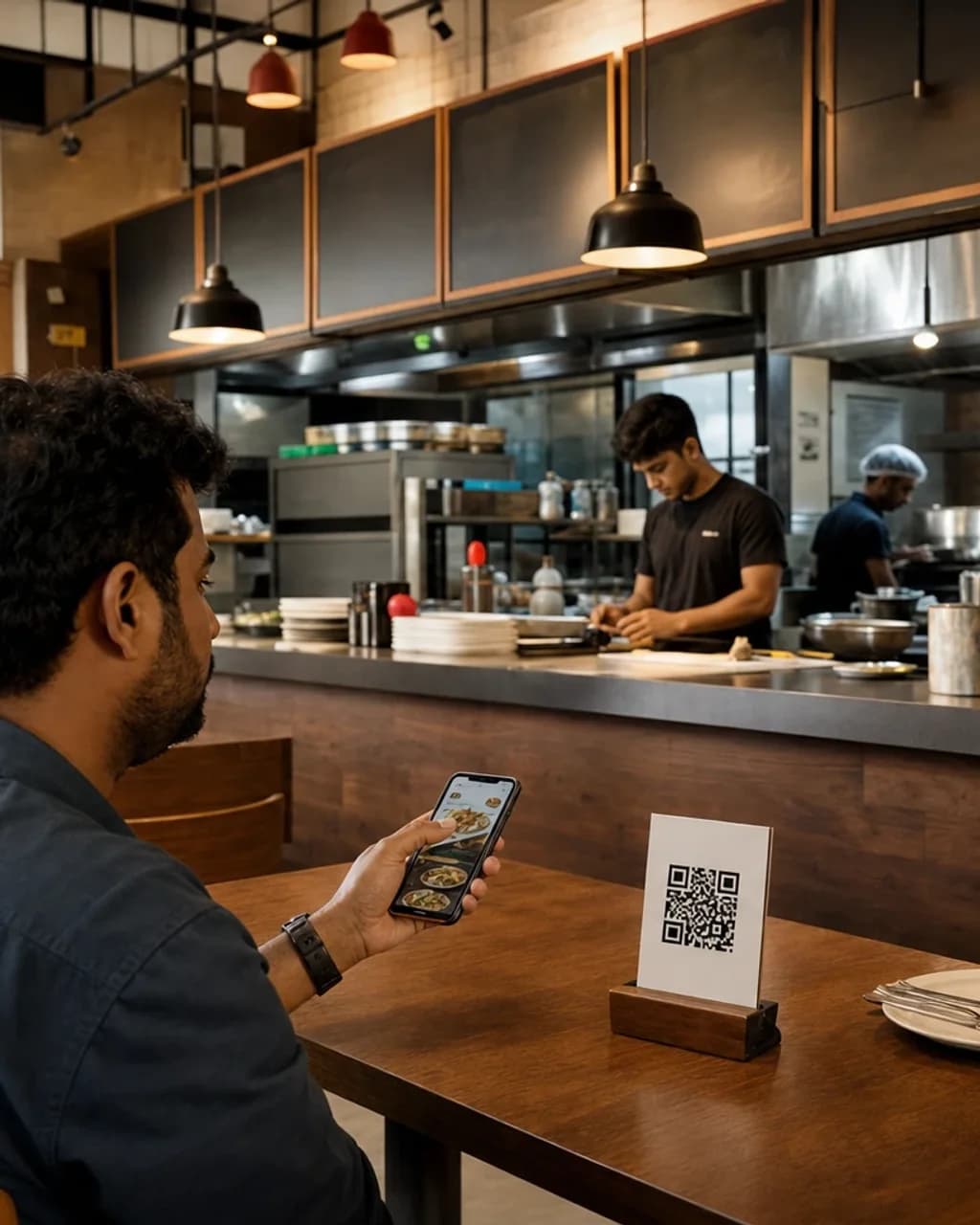
Guests order, kitchen prepares, bills settle, and managers close on one live record, without re-entry or rework.
QR and counter
Live on KDS
UPI or cash
At the table
Day end
What changes on the floor
Kitchen, billing, and owner workflows stay in sync so nothing gets lost between stations.
Serve without missed handoffs
Orders from QR and counter move into the correct preparation workflow.
Orders move to the right station in real time, with clear incoming, cooking, and ready states.
Built for India
UPI, printers, kitchen screens, and delivery apps — with clear status on what is ready today.
Payments
Hardware
Marketplace
Data and exports
Coming later: Accounting export.
Whether you start with a QR menu or a full outlet, every path grows into the same connected restaurant system.
Publish a no-app menu, accept table orders, and keep sold-out items current.
See the QR menuBring orders, kitchen status, billing, stock, and staff into one daily flow.
See one-outlet operationsCompare branches, standardize access, and review the whole business from one place.
See branch controlsConnected capabilities
Start with an assisted pilot: import the menu, configure the team, run a test order, and open the first live shift with support.
01
02
03
Import the menu, add tables, and confirm the order channels your outlet uses.
Map kitchen stations, printers, billing, payments, and staff roles before service opens.
Run a guided test order, complete a test shift, and review the first owner-ready close.
Mobile app
Zesty mobile keeps guest ordering, kitchen tickets, and shift operations in your pocket.
Launching soon on iOS and Android.
Practical answers before you go live.
Next step
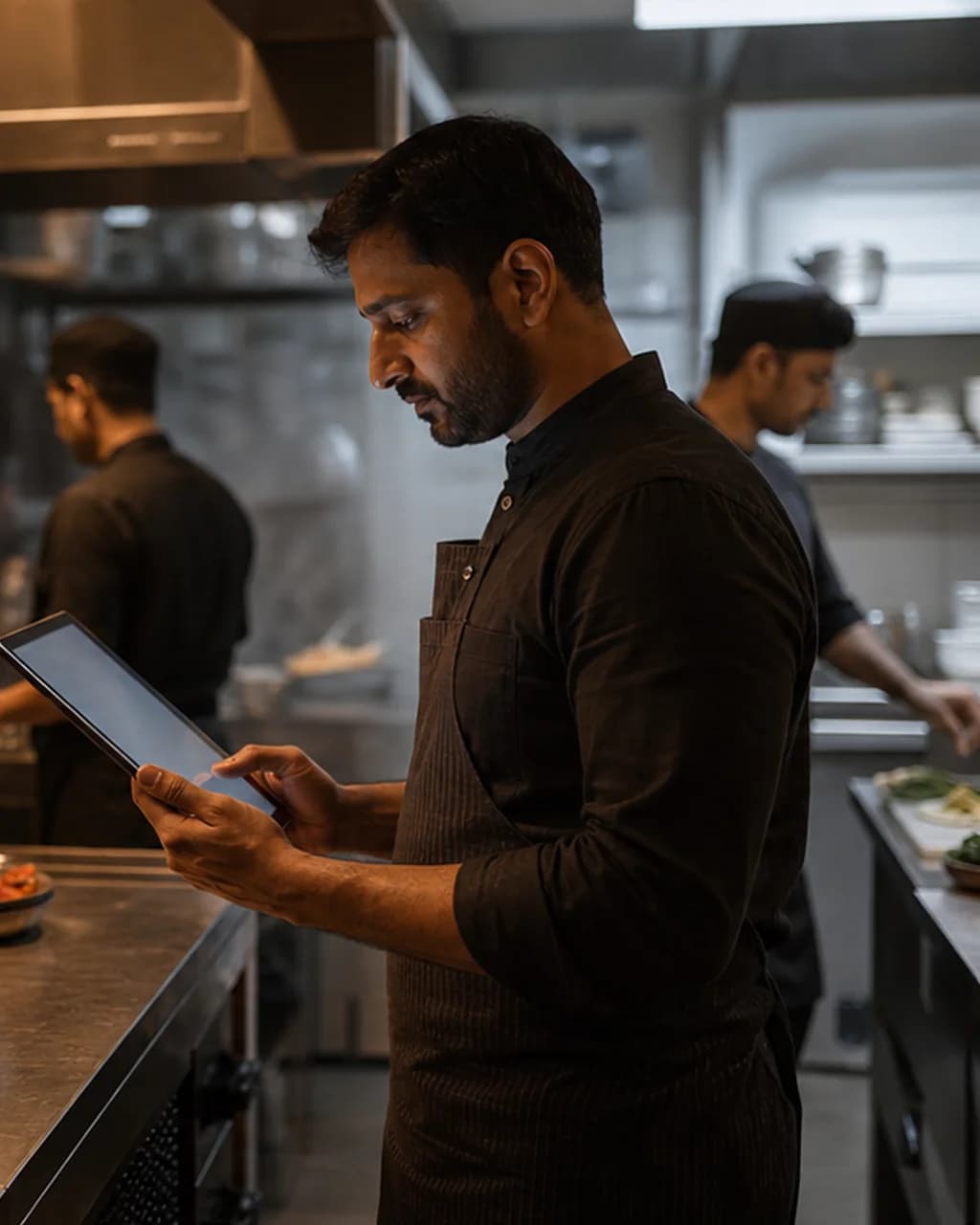
Book a workflow demo with your restaurant context, or explore the connected order flow in a seeded one-hour demo workspace.
14-day assisted pilot after setup. Connected restaurant operations currently begin at ₹1,499/month.
Plans from
₹1,499
14-day trial
Assisted pilots include setup help before the trial period begins.
Pilot clock starts after menu import and the first complete test order.
Upgrade as you add kitchen, reporting, or multi-outlet needs.